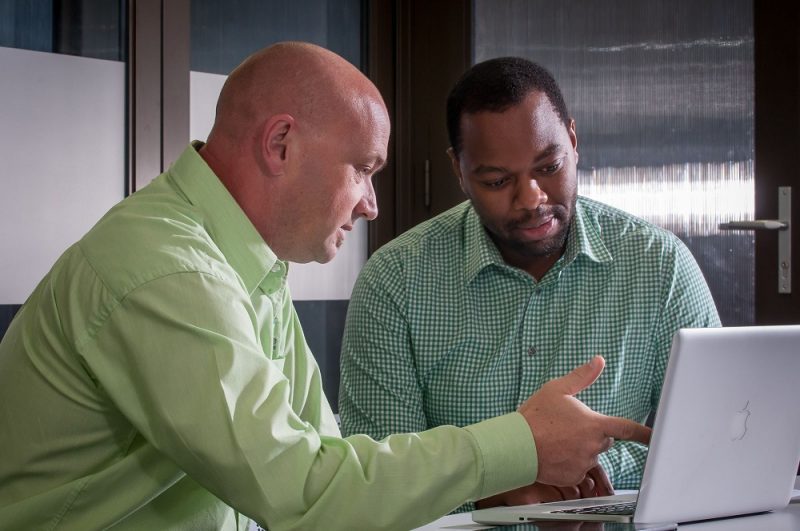
DATA SECURITY: Virtucomp CEO Enrico Vermaak and Seda Nelson Mandela Bay ICT Incubator CEO Sipelo Lupondwana talks about the importance of data privacy and information security. Virtucomp is a client of the Seda NMB ICT Incubator. Photo:
Port Elizabeth, 28 January 2016 – SOUTH AFRICANS are increasingly being targeted by ransomware – a dangerous virus that infects computers and blocks the user’s access to their own information until a ransom is paid.
Virtucomp CEO Enrico Vermaak today warned computer users of the potential risks of being hacked on digital devices for ransom.
The first quarter of 2015 saw a 165% increase in new ransomware attacks globally. A report by the Australian government claimed that 72% of Australian based companies surveyed were victims of ransomware attacks in 2015 – this figure stood at 17% in 2013.
Ransomware can infect your PC through phishing emails, fake software updates and spam.
Once infected, users have to fork out as much as R8 216 (500 US dollars) if they want access to the data on their computer restored.
“Ransomware typically infects an unprotected device and encrypts all the information on the hard drive. The only way to gain access to the encrypted information is by paying the ransom,” said Vermaak.
In most instances a good updated antivirus product will prevent the ransomware from being installed on your machine. However, Vermaak warned that South Africans are hot targets for ransomware attacks due a lack of enforced legislation and lacks information security data protection for machines.
In 2010 Vermaak attended an international security conference where the presenter showed a website on the dark web where bids could be made on bank account details with live updated statistics of bank balances among other information.
“What was even scarier was that hackers would pay significantly more money for an established Trojan horse than for a bank account with pin and balance.”
“During some of our security training sessions, we would drop infected USB memory sticks in the parking lots of the company being trained. Voila! Within minutes our infected memory sticks are being used by unsuspecting staff.”
Top tips for securing data privacy:
- Buy a good antivirus (the freeware ones are free for a reason). Also include your mobile devices in that equation.
- Don’t share your passwords with anyone, not even IT support. They have mechanisms of resetting your password in a proper way should it be required
- Don’t keep your passwords the same across multiple platforms, your Facebook and your banking password should not be the same
- Don’t open unexpected emails from unknown sources.
- Consider an endpoint protection suite (a.k.a antivirus) that also includes web filtering capability protecting you from accidentally visiting a malicious website.
- Do not insert USB devices from unknown sources, and never insert your memory stick into an untrusted device.
- Encrypt your mobile devices (laptops, tablets, phones etc.) in the event of accidental loss of theft.
- Never follow a link from one website to another, i.e. don’t follow a link on your Facebook page to your banking website, rather manually type in your bank’s website address.
- Change your passwords regularly.
- Don’t choose an easy to guess password like the name of your child, spouse, pet or parent. Also adding 123 at the end of the password doesn’t make it secure. Choose special characters like !@.}{#$%^&*() and even a space.
- Try not to use a word or combination of words that can be found in a dictionary (hackers have dictionaries too).
- Make sure your wifi password is strong, not shared with anybody that shouldn’t have it and uses at least WPAv2 with AES encryption (for home users).
- A deleted file isn’t actually deleted from your device and can most likely be retrieved by a forensic investigator or even an IT specialist that knows what they are doing.
- Don’t publish personal information like physical address, phone numbers etc. on public forums such as Facebook, Google+ and Twitter. If you’ve just checked in at the airport, intruders know that you aren’t home, right? What are the basic security checks done by the bank to verify your identity…is it perhaps your address or phone number?
- Put a PIN on your mobile phone and tablet.
CLICK HERE to submit your press release to MyPR.co.za.
Track Your Press Release HERE:
Check Online Visibility
Verify where this release is currently indexed:
 NERSA hearings have been “bitterly disappointing” and “have not worked” – energy expert